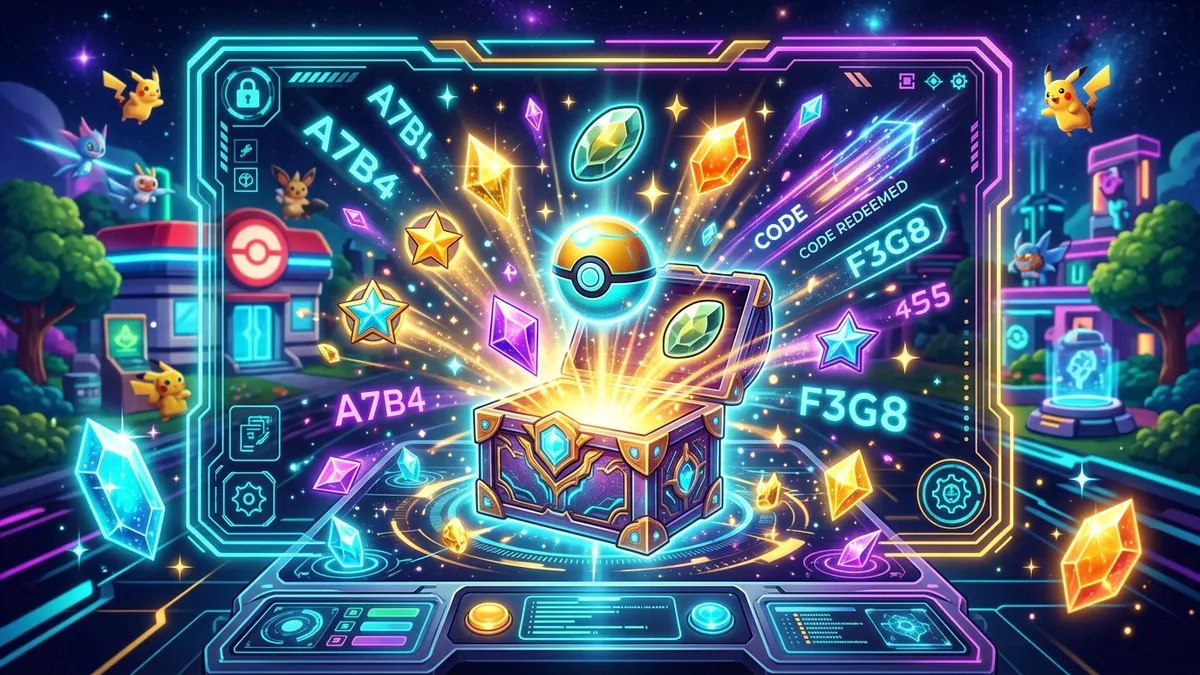
If you are searching for Pokemon Pokopia world codes, the good news is that the feature does exist. The confusing part is the naming. Players often call them world codes, island codes, or dream codes, but the game uses more specific labels in the menu.
The code you usually want is the Cloud Island Address. That is the code used to visit another player’s uploaded world. For live online play, the game can also ask for a Link Code. These are not the same thing, and mixing them up is why many players get stuck in the wrong menu.
This guide explains what each code does, where to enter it, how to visit someone else’s world, and what you can actually do once you arrive. For the full multiplayer system around permissions, farming, and co-op rules, see our multiplayer and Cloud Islands guide.
The Real “World Codes” in Pokopia
If your goal is to visit another player’s island, there are two code systems that matter:
| Code Type | What It Does | Best Use |
|---|---|---|
| Cloud Island Address | Opens a saved version of another player’s world | Visiting a world even when the owner is offline |
| Link Code | Connects you to an active live multiplayer session | Joining a friend who is currently online |
This is the first distinction to understand. If someone posts a code because they want people to explore their world, they are almost always sharing a Cloud Island Address. If a friend messages you a code privately because they want you to join them right now, that is usually a Link Code.
What a Cloud Island Address Is
A Cloud Island Address is the visit code for another player’s uploaded world. Think of it as a permanent share code for that island snapshot.
When a player enables Cloud Islands and uploads their island, the game generates an address that other players can use to visit. In practice, this is what most players mean when they say:
- Pokopia world codes
- island visit codes
- dream address codes
- visit other players’ worlds codes
The important part is that a Cloud Island visit is usually not the same as joining a live game. You are exploring a synced version of the island, not necessarily playing beside the owner in real time.
What a Link Code Is
A Link Code is for a direct multiplayer join. Use it when the other player is online and hosting a session.
This is the faster option if you want to:
- trade immediately
- build together live
- farm together in real time
- get permission changes from the host on the spot
If you only have a Cloud Island Address, you can still visit the world, but that visit is usually more limited. If you need live interaction, ask the host for a Link Code instead.
How To Visit Another Player’s World
Here is the clean step-by-step flow for the feature most people actually want.
Method 1: Visit with a Cloud Island Address
- Open Pokopia and load your save.
- Open the Social menu.
- Choose the option for Cloud Islands or visiting another island.
- Select Enter Cloud Island Address.
- Type the player’s code exactly as shared.
- Confirm and wait for the island to load.
Once you arrive, you can usually explore, take screenshots, inspect layouts, and look at how the other player built their world. This is the best method when you want inspiration or need to check a farm, build, or habitat setup from someone else.
Method 2: Join with a Link Code
- Ask the host to start an online session.
- Open the Social or online play menu.
- Choose Join Session.
- Enter the Link Code the host shared.
- Join the live island session.
This method is better when you want to actively do something together, not just visit.
What You Can and Cannot Do in Code-Based Visits
Players often expect a world code to give full access. In most cases, it does not.
What you can usually do
- walk around the island
- look at builds and layouts
- check Pokemon habitats
- take screenshots
- use the visit as inspiration for your own island
What you usually cannot do
- remove blocks
- move the host’s items
- loot storage
- rewrite the island layout
- force trade permissions during an offline visit
For deeper permission control, the host needs to invite you into a live multiplayer session. Our trading guide also explains when being physically present on the same island matters more than just having a visit code.
Where To Find Pokopia World Codes
There is no giant official in-game list that shows every public world. Most codes are shared by players themselves.
The common places are:
- friend groups
- Discord servers
- Reddit threads
- creator communities
- social posts showing island builds
If you already have friends playing, the fastest route is still the built-in Social menu. Many players do not need to search for public codes at all because they can simply visit friends from there or ask for a direct address.
Cloud Island Address vs Dream Island
This is where many searches get mixed up. Dream Island is not the same thing as the world-code system for visiting another player’s persistent island.
In Pokopia, Dream Island is associated with a different activity tied to Drifloon and special runs. Cloud Island is the multiplayer visit system. If you are trying to enter someone else’s world, focus on Cloud Island Address and Link Code, not Dream Island progression.
Best Use Cases For World Codes
Code-based visiting is most useful when you want one of these:
Build inspiration
Some of the best Pokopia layouts only make sense when you walk through them in person. A Cloud Island Address lets you study pathing, lighting, storage placement, and biome transitions much better than a screenshot can.
If that is your goal, our dream island designs guide pairs well with these visits because it helps you understand what to look for in a strong build.
Farm and habitat research
Visiting another player’s world helps when you want to see:
- efficient field layouts
- habitat spacing
- path routing
- rare Pokemon attraction setups
Community sharing
Many players use visit codes like a portfolio. They upload a polished island and share the address so others can tour it whenever they want.
Common Problems And Fixes
“The code does not work”
Double-check whether you entered a Cloud Island Address in the Cloud Island menu or a Link Code in the live session menu. Using the right code in the wrong place is the most common mistake.
“I can visit, but I cannot do anything”
That is normal for many Cloud Island visits. The world is often read-only unless you are in a live session with elevated permissions.
“My friend’s world does not show the latest changes”
They may not have uploaded or synced their Cloud Island recently. Ask them to save and re-sync before you try again.
“I cannot find the code menu”
Make sure you are using the Social menu and that your online features are enabled. You also need Nintendo Switch Online for the online visit systems.
When To Use Link Code Instead Of Cloud Island Address
Use a Link Code instead of a Cloud Island Address when:
- you want to trade right now
- you need the host to change permissions live
- you are farming together
- you are building together in real time
- you want the newest version of the island without waiting for a sync
Use a Cloud Island Address when:
- the host is offline
- you only want to explore
- you are collecting inspiration
- you want to revisit the same world later
How To Share Your Own Address Safely
If you plan to post your own island code publicly, spend a minute checking your setup first. A good public visit experience depends on privacy, presentation, and sync discipline much more than players expect.
Before sharing your address:
- save the game and force a fresh sync so visitors see the newest version
- remove half-finished storage dumps near the spawn point
- check your bulletin board, signs, and mailbox area for anything you do not want strangers to see
- decide whether you want a showcase island, a farming island, or a social island
- confirm your permission preset is still read-only for public visitors
It also helps to create a simple arrival path. A clear entrance, a central plaza, and obvious signposting make your island easier to tour. If people get lost in clutter, they usually leave before reaching the strong parts of your build.
For players who want to turn visits into a showcase, combine a polished address with the layout ideas from our dream island designs guide. That pairing gives you a much better chance of having a world other players actually remember.
If your next step is publishing your own address instead of visiting someone else, use our guide to sharing your Pokopia world code safely before you post it publicly.
FAQ
What is the code to visit other players’ worlds in Pokemon Pokopia?
The main code is the Cloud Island Address. Link Code is for live multiplayer joins.
Is Cloud Island Address the same as Dream Address?
Players use different names, but for the world-visit mechanic you want the Cloud Island Address shown in the game’s social system.
Can I visit worlds without the owner being online?
Yes. That is one of the main reasons Cloud Islands exist.
Can I build in another player’s world with only the code?
Usually no. Code-based visits are often read-only unless the host starts a live session and gives you permissions.
Do public Pokopia world codes expire?
The code itself usually stays tied to the uploaded island, but it can stop being useful if the owner changes privacy, disables uploads, or rotates to a new island state.
Why do some people call them dream codes?
Because players use several nicknames for the same visit feature. The safer in-game terms are Cloud Island Address and Link Code.
Is Link Code better than Cloud Island Address?
Not better, just different. Link Code is for live multiplayer. Cloud Island Address is for persistent world visits.
What should I read next?
Start with our multiplayer and Cloud Islands guide, then use the trading guide if your goal is to join friends and exchange items live.