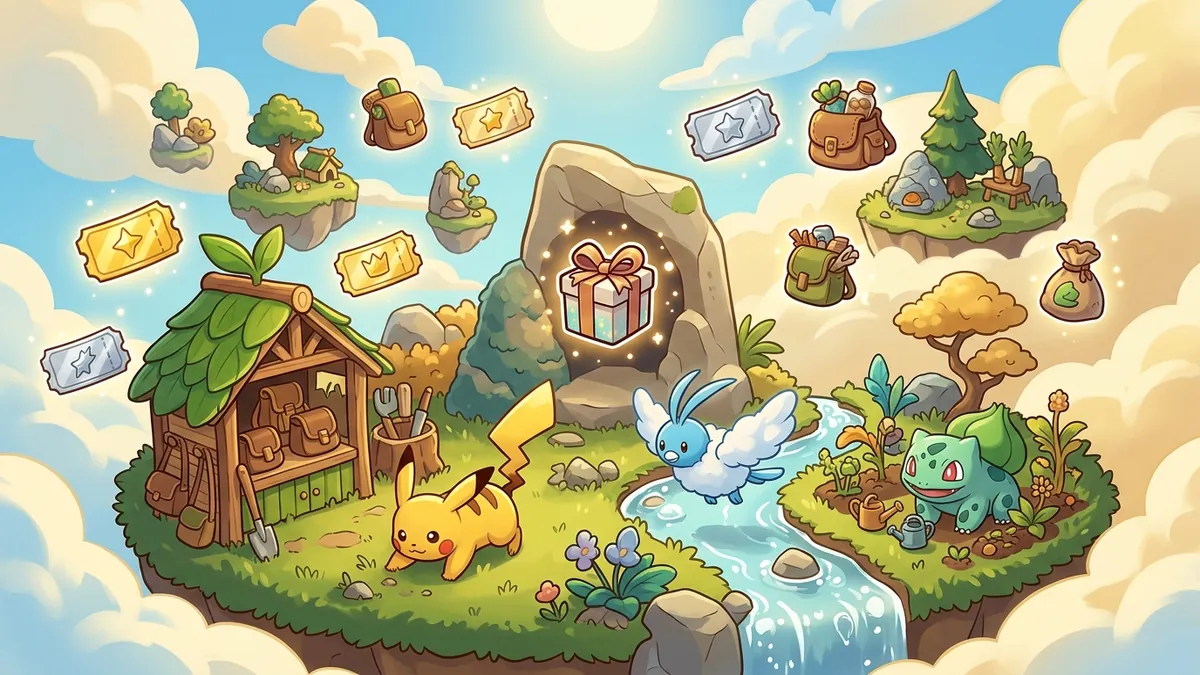
Cloud Island: A persistent shared online island (up to 4 players via Nintendo Switch Online). It is separate from your Palette / home-town story save — progress there does not replace your single-player town.
Visit: Pokemon Center PC → Link Play → Play on a Cloud Island → Search → enter the 8-character Cloud Island Address → enter the Link Code if the host required one.
Create: Same menu → Create a new Cloud Island → name it → set Share / Virtual Mode / Link Code options → share your Address (and Link Code if set). Others can join even when you are offline; the next arriver becomes host if no one is online.
Not the same as:
- Friend Visit / home-town Link Play session ≠ Cloud Island Address
- Worlds event Cloud Island code → Pokopia PokemonXP Worlds Cloud Island Code
- Magic Number terrain seed → Pokopia Cloud Island Seeds: Best Magic Numbers
- Address/Link Code explainer → Pokopia Cloud Island Address & Codes Guide
- Trading → Pokopia Trading Guide: Multiplayer Exchange Tips
- Pokemon Center rebuild → Pokopia Pokemon Center Rebuild Guide
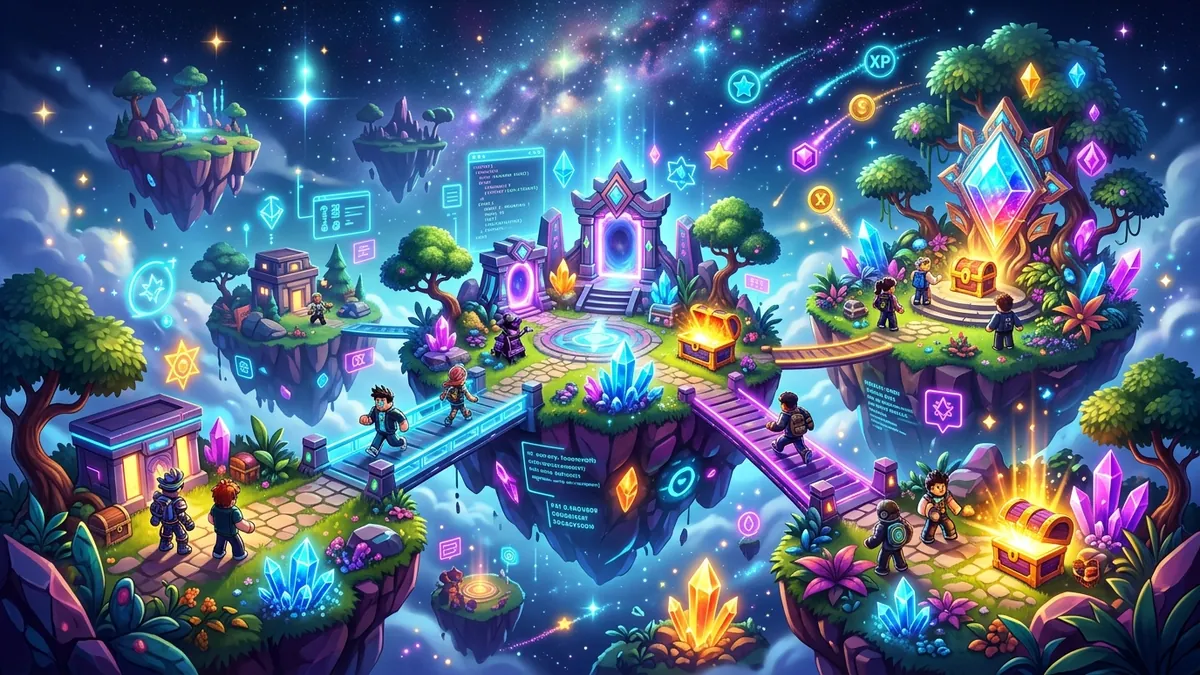
Pokemon Pokopia is a wonderful game to play alone, but the multiplayer features take it to another level entirely. There is something genuinely special about inviting friends to your island, showing off the town you have been building, co-op farming during a festival, and trading items that you both need.
The multiplayer system centers around Cloud Islands — persistent online versions of your island that friends can visit even when you are not playing. Combined with local co-op, trading, and seasonal online events, Pokopia offers one of the most complete multiplayer experiences in any cozy game to date.
This guide covers everything you need to know about playing Pokopia with others, from initial setup to advanced co-op strategies. If you are still learning the solo basics, start with our Pokemon Pokopia beginner guide before diving into multiplayer.
Setting Up Multiplayer
Pokopia supports two multiplayer modes: local co-op and online play. Here is how to get each one running.
Local Co-op Setup
Local co-op lets up to 4 players share one Nintendo Switch 2 console. Each player needs their own controller (Joy-Cons or Pro Controller).
To start local co-op:
- Open the game on the host’s profile
- Press the plus button to open the Pause Menu
- Select “Invite Local Player”
- The second player shakes or presses a button on their controller
- Repeat for players 3 and 4
Local co-op uses a shared camera that follows the host (Player 1). The other players cannot stray too far from the host — if they move more than about 15 blocks away, they are teleported back. This keeps everyone on screen but can feel restrictive during exploration.
Local players share the host’s inventory and resources. They cannot access their own save file — everything they do affects the host’s island. This makes local co-op best for building projects and farming sessions where you want extra hands.
Online Multiplayer Setup
Online multiplayer requires a Nintendo Switch Online subscription and an internet connection. Each player uses their own Switch and their own save file.
To play online:
- Open the Pokemon Center PC
- Select Link Play
- Choose “Play on a Cloud Island” to visit, or “Create a new Cloud Island” to host
- If visiting, select Search and enter the 8-character Cloud Island Address
- Enter the Link Code if the host set one
Online multiplayer keeps each player’s camera independent. Guests can explore the full island freely with no distance restriction from the host. This is the recommended way to play if everyone has their own console.
Understanding Cloud Islands
Cloud Islands are the standout multiplayer feature in Pokopia. When you enable Cloud Islands in the settings, the game uploads a copy of your island to Nintendo’s servers. This copy updates automatically whenever you save your game.
What Cloud Islands Do
Once enabled, your Cloud Island is accessible to anyone on your Friends list at any time. They do not need to be in an active session with you. They simply open their Social Menu, select your name, and choose “Visit Cloud Island.”
When visiting a Cloud Island, friends can:
- Walk around and explore your entire island
- Water your crops (the watering persists to your actual save)
- Leave gifts in your Mailbox
- Pet and interact with your befriended Pokemon
- Take screenshots and note Cloud Island Addresses
- Sit on your furniture, read your signs, and admire your builds
They cannot:
- Harvest your crops
- Remove or place blocks (unless you grant Builder permission)
- Take items from your storage
- Interact with your crafting stations
- Modify terrain
Enabling Cloud Islands
Go to the Pokemon Center PC, then Link Play, then Create a new Cloud Island. The first upload takes about 30 seconds. After that, your island syncs in the background every time you save.
You can set your Cloud Island to one of three privacy levels:
- Friends Only — Only people on your Nintendo Friends list can visit
- Friends of Friends — Extends access one degree further
- Open — Anyone with your Cloud Island Address can visit (read-only exploration)
The Cloud Island Address System
The game exposes a Cloud Island Address for sharing an uploaded world. Visitors use the Cloud Island flow in the Social Menu and the address shown by the game. Do not substitute an invented format: copy the displayed address exactly.
Cloud Island Addresses are used to share builds and uploaded worlds. A code-based visit is different from a Dream Island: Dream Islands are generated resource expeditions chosen through Drifloon and a Pokemon doll. Our Dream Island guide explains that daily system and its resource pools.
If you specifically searched for world codes, island visit codes, or the exact difference between Cloud Island Address and Link Code, read our dedicated Pokopia world codes guide. For players looking to optimize their Cloud Island with specific seed numbers, our Cloud Island seeds and magic numbers guide covers the best values to use.
Co-op Farming and Resource Sharing
Farming is one of the best activities to do together in multiplayer. With two to four players working the fields, you can plant, water, and harvest at four times the speed.
How Co-op Farming Works
In an active online or local session, all players can interact with the host’s farm. Guests can:
- Till new soil
- Plant seeds (from the host’s or their own inventory)
- Water crops manually or with Pokemon abilities
- Harvest mature crops (items go to the harvester’s inventory)
- Apply fertilizer
Resource Sharing Without Trading
If you want to give items to a friend directly, you have two options outside of the Trading Post:
- Drop items by selecting them in your inventory and choosing Drop. The other player picks them up.
- Use the Mailbox to send a gift package of up to 10 item stacks. The recipient collects it from their Mailbox next time they play.
Dropping items is faster for immediate exchanges. The Mailbox is better for sending gifts to friends who are not currently online.
Trading Items Through the Trading Post
The Trading Post is a special structure that enables structured item trading between players. It is unlocked after completing the Verdant Meadow story arc.
Building the Trading Post
You need the following materials:
- 20 Hardwood Planks
- 10 Iron Bars
- 5 Glass Panes
- 1 Scale (dropped by Magikarp)
Place it anywhere on your island. It functions like a shop counter where two players interact from opposite sides.
How Trading Works
Both players approach the Trading Post. Each selects up to 10 item stacks to offer. Both players review the proposed trade and confirm. Items swap instantly.
You can trade:
- Crops, seeds, and flowers
- Crafted items and furniture
- Building materials
- Tools and equipment
- Cooking ingredients and prepared food
For fair value charts and scam prevention tips, see our trading guide.
You cannot trade:
- Pokemon (they are tied to your island)
- Story items and key quest objects
- Blueprints (these are shared through the Blueprint Board instead)
- Life Coins (the premium currency)
Fair Trading Tips
The community has developed rough trade value guidelines based on item rarity and crafting difficulty. As a general rule:
- Common crops trade 1:1 with each other
- Rare seeds are worth roughly 10 common crops
- Endgame materials (Crystal, Volcanic Stone) are worth 3-5x common materials
- Exclusive festival items hold the highest trade value
There is no in-game system to enforce fair trades, so only trade with people you trust or agree on terms in advance. Our trading guide covers fair value charts and scam prevention in detail.
Multiplayer Events and Seasonal Activities
Pokopia features rotating online events that encourage multiplayer participation. These events vary in format and are the main way to earn exclusive rewards.
Event Rewards
Exclusive rewards from multiplayer events include:
- Festival furniture sets (unobtainable otherwise)
- Rare cosmetic outfits for your character
- Unique Pokemon accessories and hats
- Special seeds for decorative-only crops
- Titles and badges displayed on your Cloud Island profile
For the full timeline and details of current events, see our events calendar.
Visitor Permissions and Island Safety
When you invite players to your island, you control exactly what they can do through the Permissions system.
Permission Levels
| Level | Can Do | Cannot Do |
|---|---|---|
| Visitor | Walk, explore, take screenshots, pet Pokemon | Interact with any objects or terrain |
| Farmer | All Visitor rights + water crops, plant seeds, harvest | Place/remove blocks, use crafting |
| Builder | All Farmer rights + place/remove blocks, use stations | Access host storage, modify settings |
| Co-Owner | Everything except deleting the island | Nothing restricted except deletion |
Set permissions per player in the Social Menu. Default for new guests is Visitor. You can change permissions at any time, even mid-session.
Protecting Your Island
If you are worried about griefing or accidental damage:
- Keep most guests at Visitor or Farmer level
- Only grant Builder to close friends
- Enable the Auto-Backup feature in Settings (saves a snapshot every hour that you can revert to)
- Use the Activity Log in the Social Menu to see everything guests did on your island
The Activity Log shows timestamps and actions for every guest who visited in the last 30 days. If something goes wrong, you can identify exactly what happened and when.
Online Etiquette and Community Norms
The Pokopia community has developed a set of unwritten norms that keep multiplayer pleasant for everyone.
Water crops when you visit. If a friend’s Cloud Island has unwatered crops, spend a minute helping out. It is the Pokopia equivalent of a friendly wave.
Do not harvest without asking. Even if you have Farmer permissions, it is polite to ask before harvesting someone’s crops. They might be saving them for a specific recipe.
Leave a gift in the Mailbox. A small gift — even a stack of common flowers — shows appreciation for the visit. The community calls this “leaving a thank-you.”
Respect build boundaries. If someone has a clear layout and style, do not build something jarring nearby even if you have Builder permissions. Ask first.
Share Cloud Island Addresses thoughtfully. Only share your Cloud Island Address publicly if you are comfortable with random visitors. The Open privacy setting means anyone can explore your island.
Connection Tips and Troubleshooting
Multiplayer performance depends on several factors. Here is how to get the smoothest experience.
The host’s connection matters most. The player with the fastest and most stable internet should always host. All other players connect through the host, so a weak host connection affects everyone.
Reduce visual complexity near play areas. Too many placed objects, active water features, and particle effects in one area can cause frame drops in multiplayer. If your co-op session is lagging, move to a less decorated part of the island.
Use wired internet if possible. The Switch 2 supports USB ethernet adapters. A wired connection is dramatically more stable than WiFi for online sessions.
Close other applications. Having other software running in the background on your Switch can affect network performance. Close everything except Pokopia before hosting.
Check Nintendo server status. If you cannot connect at all, check the Nintendo server status page. Maintenance windows typically happen Tuesday mornings and are announced in advance.
Session code not working? Session codes expire after 10 minutes. Ask the host to generate a fresh code. Also confirm that both players have compatible game versions — multiplayer requires everyone to be on the same update.
Frequent disconnects? This usually means the host’s internet is dropping packets. Try switching the host to another player, or have the current host move closer to their WiFi router.
FAQ
How many players can play Pokemon Pokopia together?
Up to 4 players can play together at the same time, either locally on one console or online through Cloud Islands.
What are Cloud Islands in Pokopia?
Cloud Islands are persistent online versions of your island. Friends can visit your Cloud Island even when you are offline, leave gifts, water your crops, and explore your builds.
Do I need Nintendo Switch Online for Pokopia multiplayer?
Yes, online multiplayer and Cloud Islands require a Nintendo Switch Online subscription. Local co-op on the same console does not require it.
Can I trade Pokemon in Pokopia?
You cannot trade Pokemon directly, but you can trade crafted items, crops, seeds, building materials, and furniture through the Trading Post structure.
What happens if a friend damages my island?
You control permissions through the Social menu. Guests default to Visitor (look only). You can grant Builder (place/remove blocks) or Farmer (tend crops) permissions individually.
How do multiplayer events work in Pokopia?
Seasonal online events appear every 2-3 weeks and require teaming up with other players. Rewards include exclusive furniture, rare seeds, and limited cosmetic items.
Can I visit random islands in Pokopia?
Players can share a Cloud Island Address for their uploaded world. Dream Island is a separate daily resource trip selected through Drifloon and a Pokemon doll.
Why does multiplayer lag in Pokopia?
Lag is usually caused by distance from the host, too many placed objects on screen, or a slow internet connection. The host should have the best connection, and reducing nearby decorations helps.